

Sun Terrain
Sun Terrain computes the 360° mountain skyline around any spot from real 30-meter elevation data, so you see when the sun actually clears the ridge in the morning and when it drops behind it in the afternoon — not only the flat-horizon times.
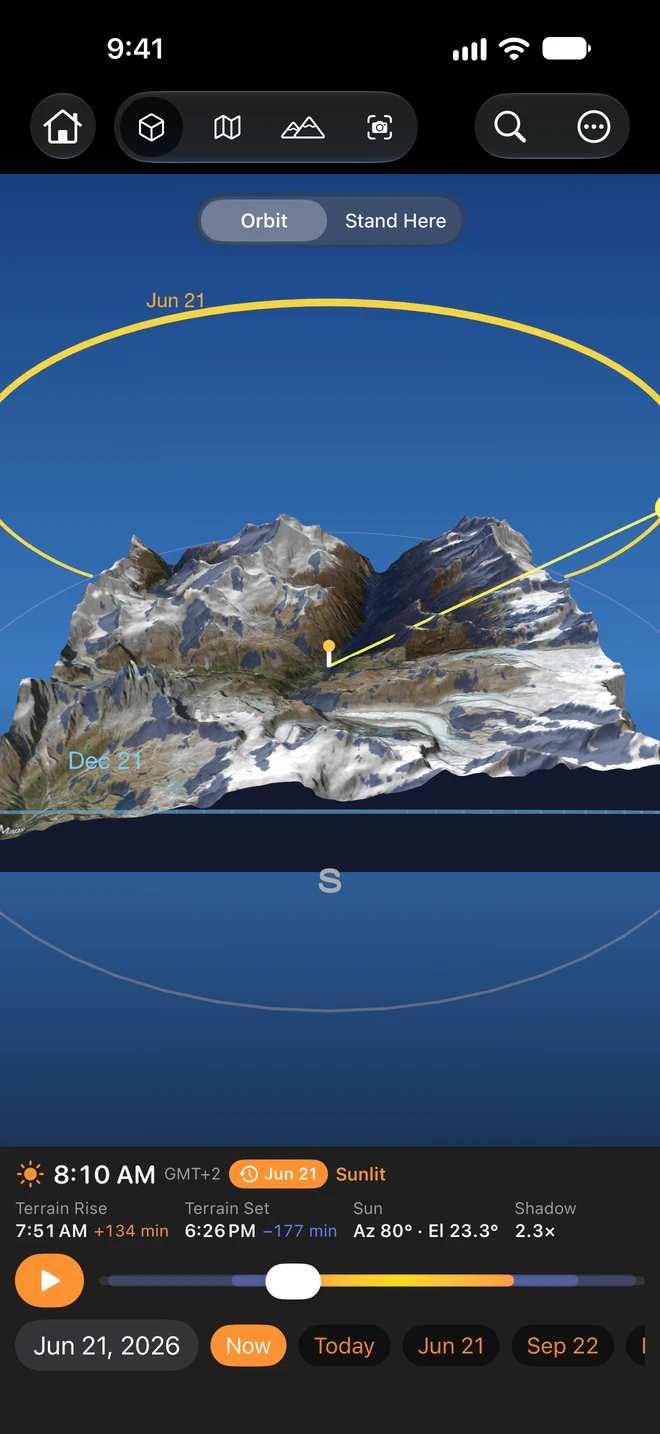
Every place opens in 3D (a relief block under satellite imagery with moving cast shadows and sky arcs), Map (cast terrain shadows and sun compass rays over Apple Maps), Horizon (the 360° mountain silhouette and monthly sun hours), AR on iPhone and iPad, and Split on Mac, iPad and an open iPhone Duo.
Your first place in a minute
Section titled “Your first place in a minute”-
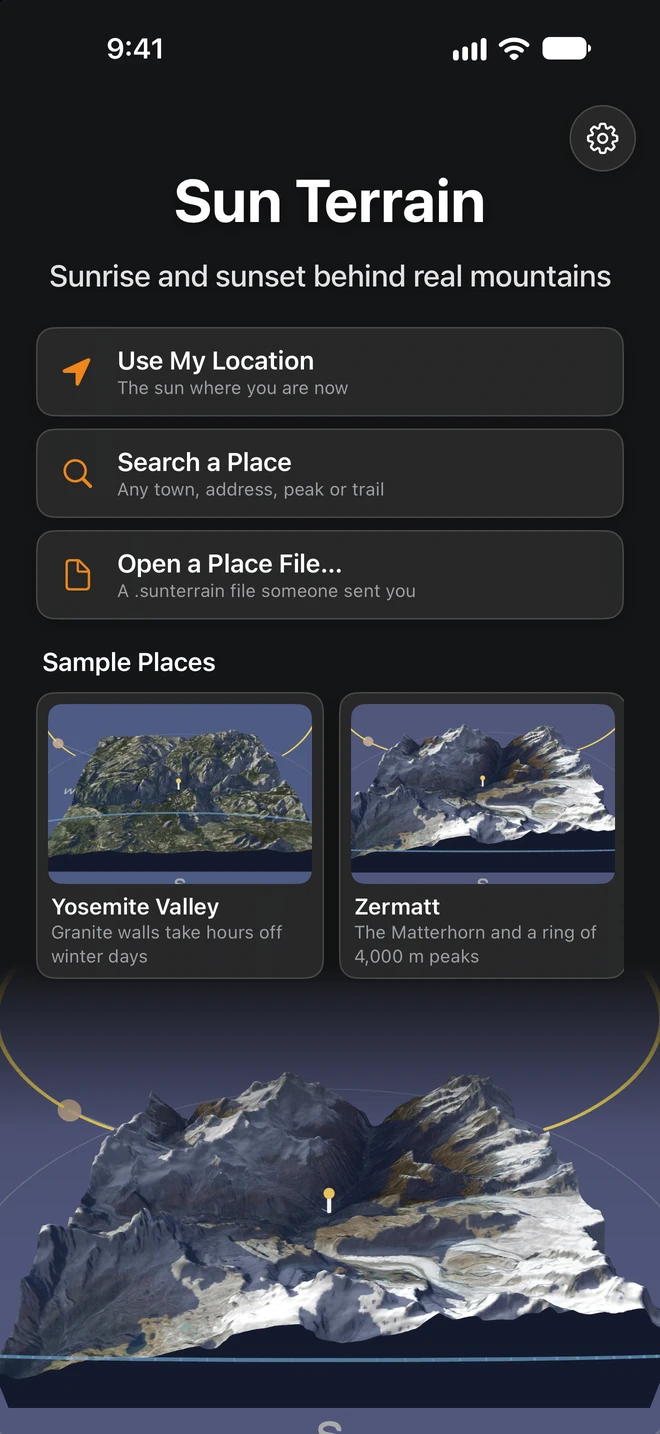
Pick a place. On iPhone, iPad and iPhone Duo, the start screen offers Use My Location, Search a Place, Open a Place File…, your saved and recent places, and six built-in sample places (Yosemite Valley, Zermatt, Kamikochi Valley, Phantom Ranch, Chamonix and Key West). On the Mac, pick any sample or saved place from the sidebar, or click the search button in the toolbar.
-
Watch the shadows move. In 3D, press the orange Play button on the bottom bar (or drag the slider) to move through the day. Watch the status pill switch between Ridge Shade and Sunlit, and note Terrain Rise and Terrain Set beside the minutes the ridges trim off each end of the day.
-
Compare seasons. Tap Jun 21, Sep 22 or Dec 21 on the bottom bar to see how the sun arc and sunlit hours shift across the year. Tap Now (or the orange date badge beside the time) to jump back to the live clock.
-
Stand at eye level. Switch the 3D camera from Orbit to Stand Here to drop onto the ground, look around 360°, walk to another vantage point and zoom up to 12× like binoculars.
-
Inspect details or alignments. Open Sun & Twilight from the toolbar for flat vs. terrain sunrise/sunset, golden hour, twilight, moon phase and a 1-tap Solar Report Card (PNG), or open Sun Alignment Finder to find the exact dates the sun lines up with any peak or notch.
What it asks for
Section titled “What it asks for”| Permission | When | Why |
|---|---|---|
| Location, while using the app | When you tap Use My Location or open AR | Centers Sun Terrain where you stand, and lets AR Sky align to true north instead of magnetic north. Sun Terrain never asks for Always and does not track you in the background. |
| Camera (iPhone and iPad) | When you open AR | Draws the live sky behind the sun path, solstice bounds and 360° terrain horizon overlay. |
Nothing else. See Privacy.