

On iPhone, iPad and Vision Pro
iPhone
Section titled “iPhone”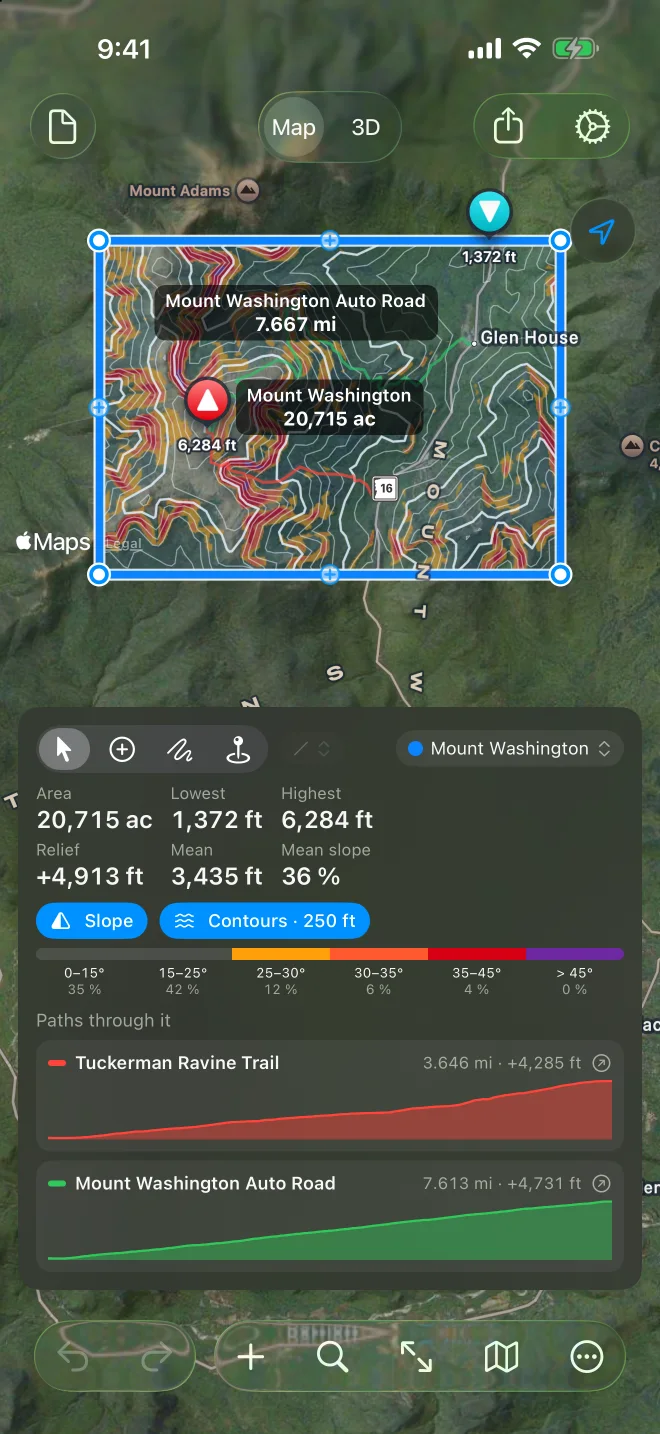
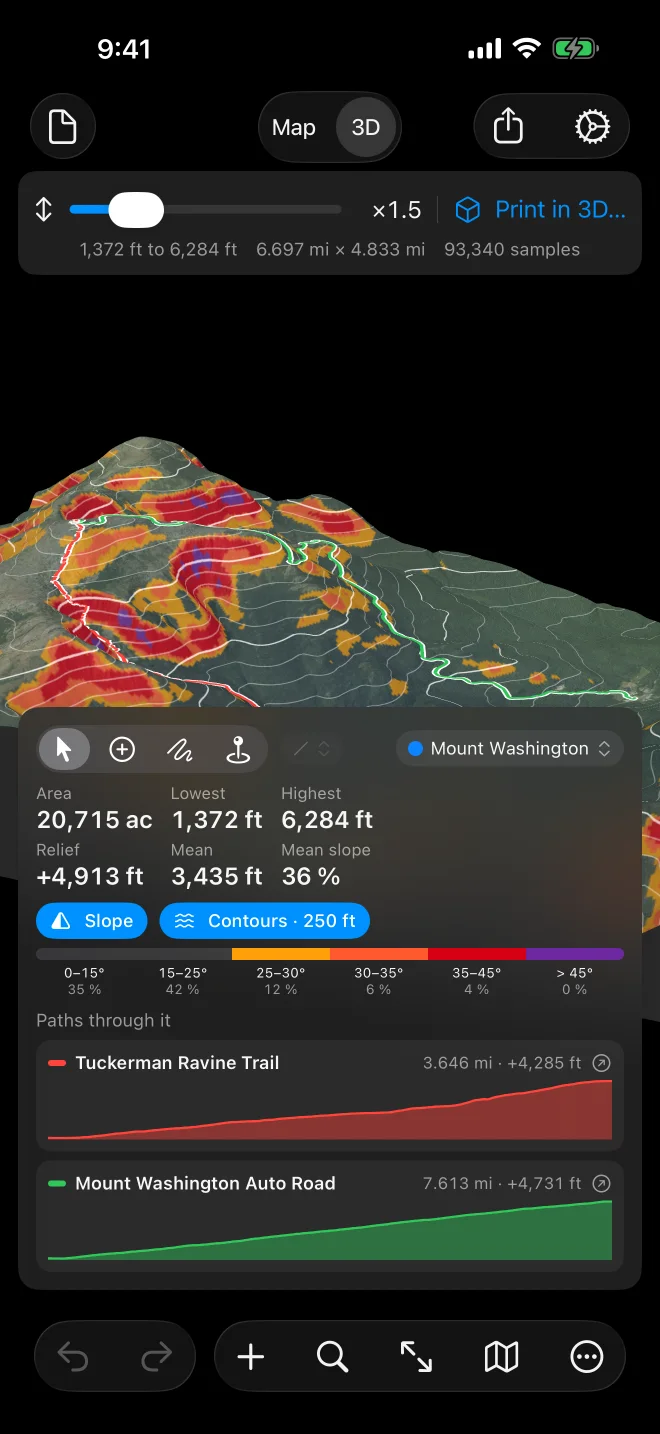
The map fills the screen. At the top are the document button (New, Open…), Map | 3D, Share and Settings. The card at the bottom carries the tools, the selected shape’s numbers, layers and profile; drag it up for more, down for more map. The buttons along the bottom are Undo and Redo, +, search, Fit, the map style and More.
More holds Get Elevation, Show Chart, Export, Print in 3D…, Import…, Print…, Rename…, the delete commands, Clear All… and Help.
The panel floats beside the map and can be dragged; the chart sits below the map. The toolbar has the document menu, Undo and Redo, search and Fit on the left, Map | 3D in the middle, and +, More, the map style, Share and Settings on the right. Apple Pencil works with Freehand, and a keyboard brings the Mac shortcuts.
Apple Vision Pro
Section titled “Apple Vision Pro”The iPad layout in a window; the terrain is a block you turn in front of you.
Documents live in Files and iCloud Drive, so a trail sketched on the phone opens on the Mac.