Geo Tracker
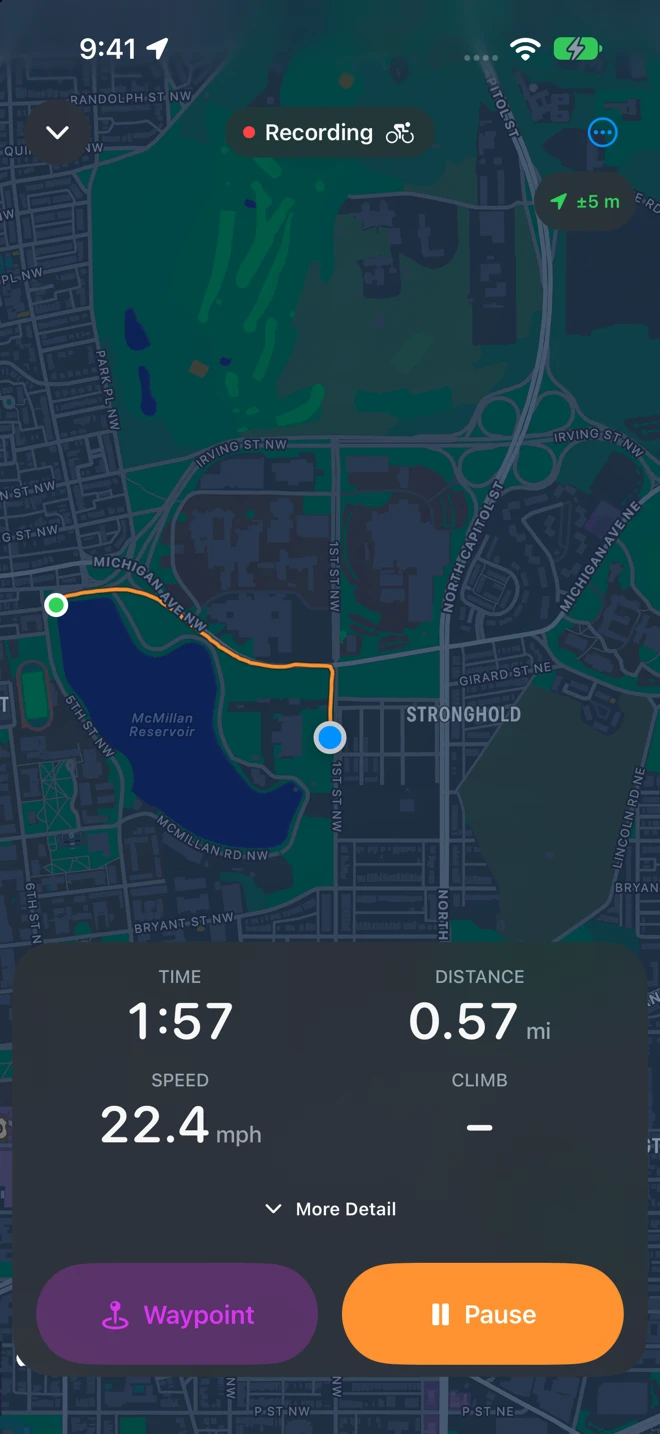
Geo Tracker records where you go. Tap Start Recording, put the iPhone in your pocket, and an orange line follows your walk, run, hike or ride, with the screen locked too. Mark places along the way, take photos that stay with the route, and when you finish the whole outing is one GPX file on your device: the format Strava, Komoot, Garmin Connect, Google Earth and nearly every map app read. It runs on iPhone and iPad (iOS 18 and later), has no account, and sends nothing anywhere. Opening GPX files from other apps works too, so it is also a library for the tracks you already have.
Your first recording in a minute
Section titled “Your first recording in a minute”-
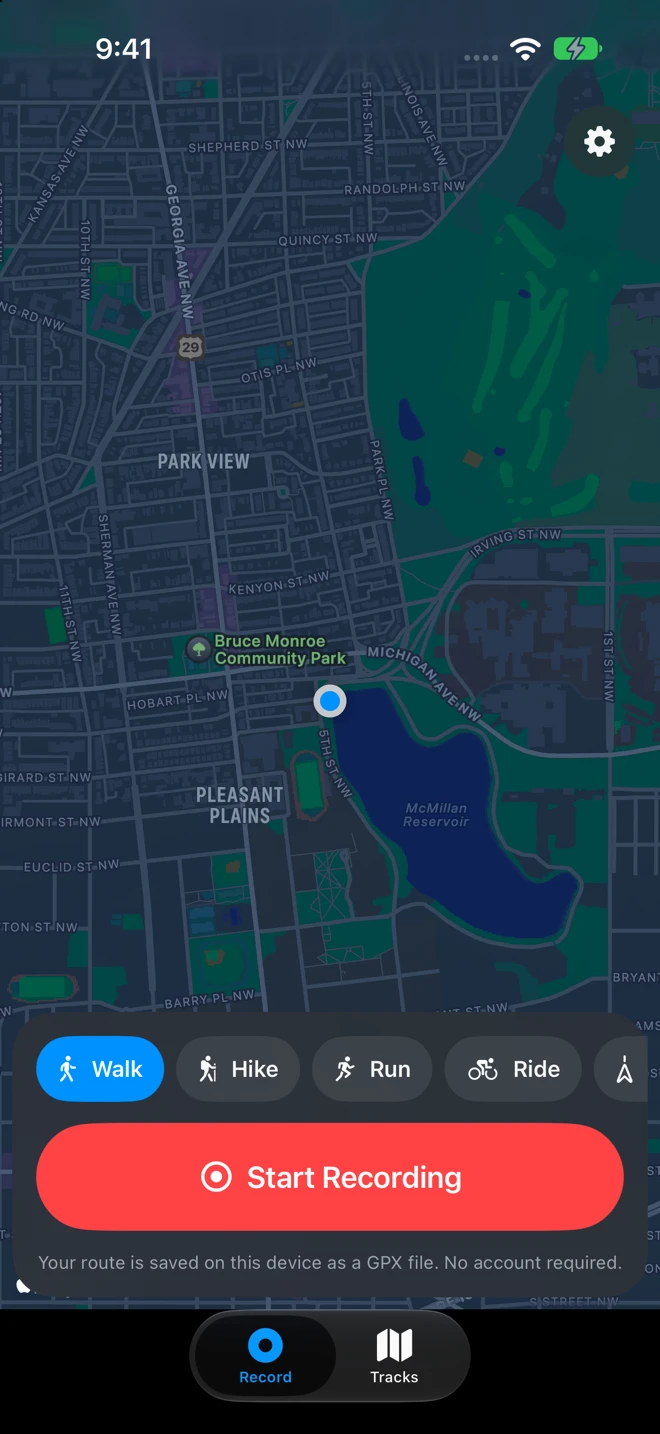
Pick the activity. On the Record tab, tap Walk, Hike, Run, Ride or Other. The choice sets the name of the file, how pace or speed is shown, and what counts as a believable move for the GPS. Geo Tracker remembers it for next time.
-
Tap Start Recording. The first time, iOS asks to use your location: choose Allow While Using App and keep Precise on. It may also ask about notifications (for the reminder when you stop moving) and Motion & Fitness (the barometer, for the climb). Recording starts at once; the badge at the top right reads ±5 m when the GPS is good.
-
Lock the screen and go. The recording continues in your pocket. Pause, resume, mark a waypoint, take a photo or finish from the Lock Screen without opening the app.
-
Tap Pause, then Finish. A stop is never one accidental tap. The summary shows the route and the numbers; type a name or keep the suggested one (Morning Walk, Evening Ride), add notes or photos, choose whether to save it to Apple Health, and tap Save.
-
The track opens in Tracks. It is a GPX file in Files, under On My iPhone ▸ Geo Tracker ▸ Tracks. Share it, send it to GPX Explore to edit, or keep it.
What it asks for
Section titled “What it asks for”| Permission | When | Why |
|---|---|---|
| Location, while using the app | The first Start | The route. Geo Tracker never asks for Always: a recording you started keeps running in the background, and that is all it needs. With Precise Location off, the route is points kilometers apart, and the recording screen says so. |
| Notifications | The first Start | Only the reminder when you stop moving. Decline it and everything else works. |
| Motion & Fitness | The first Start, on a phone with a barometer | The climb from the barometer, which is far steadier than GPS heights. See Accuracy. |
| Camera | The first photo waypoint | A photo for a waypoint, saved next to the GPX file. |
| Photos | Add Photos from This Walk, or a camera photo with no recording to go on | Reading the photos you choose; adding a photo to your library so it is not lost. |
| Apple Health | The first Save to Apple Health | Writing the workout, and reading only Geo Tracker’s own workouts, so a track is never added twice. |
What would you like to do?
Section titled “What would you like to do?”On iPad
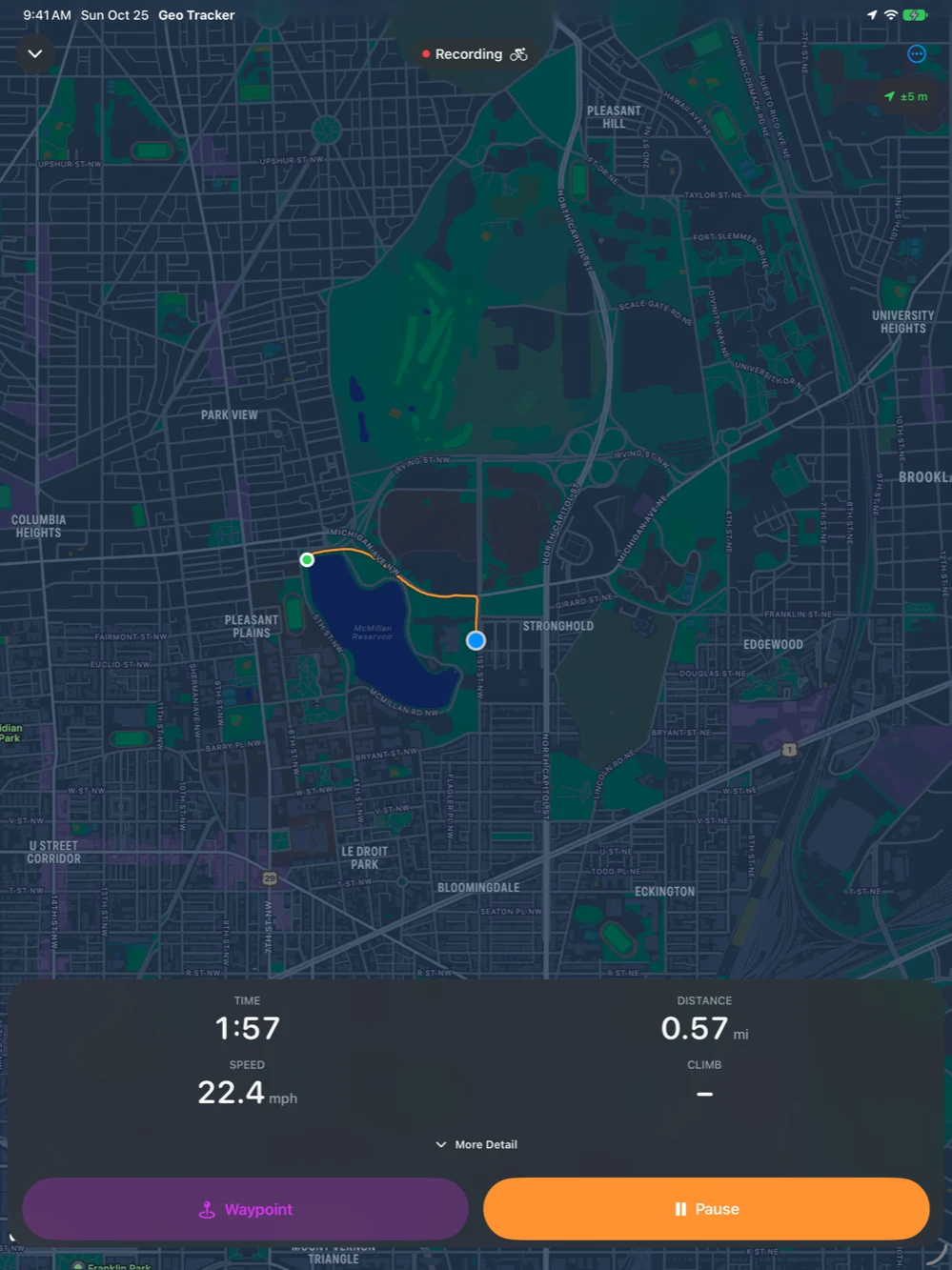
Section titled “On iPad”Everything above runs on iPad too, with the map larger and the panel across the bottom. An iPad with cellular has GPS; a Wi-Fi-only iPad places itself from nearby networks, which makes a rough track. See Accuracy.