

Hide your start and end
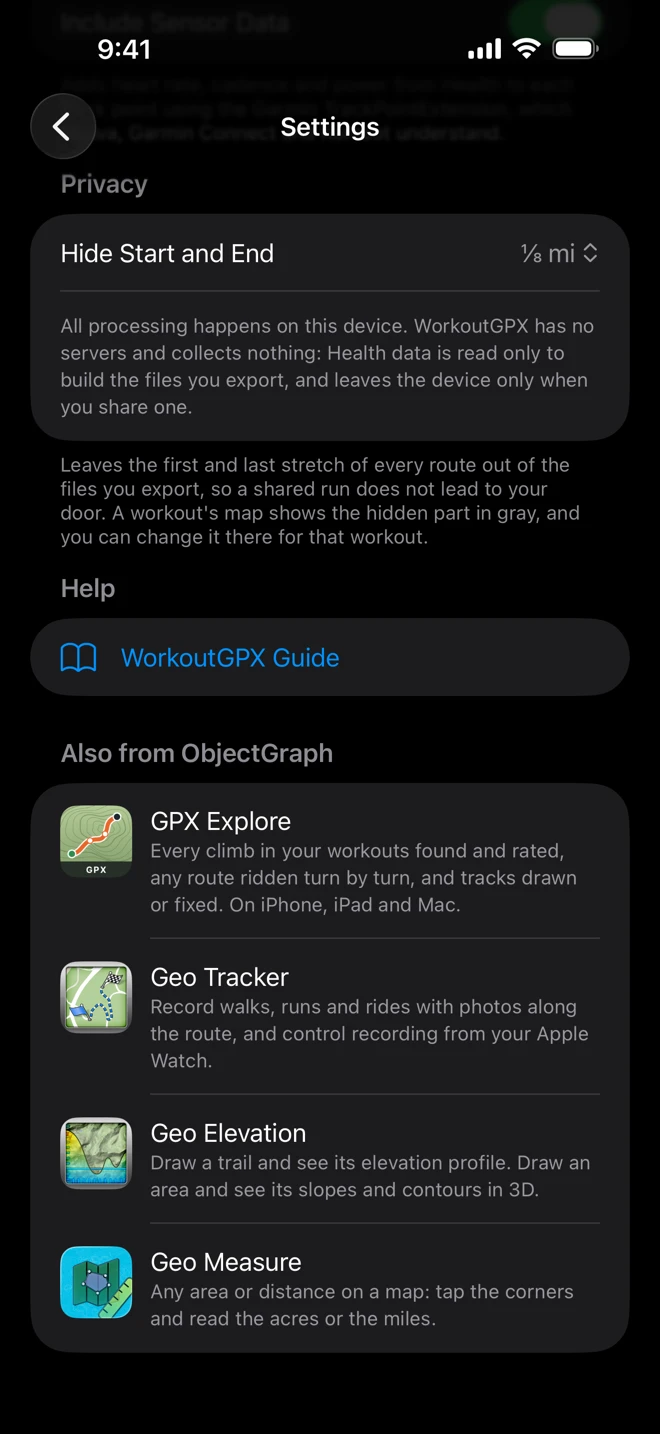
A run that starts at your front door says where you live to anyone who sees the file. Hide Start and End leaves the first and last stretch of every route out of the files you export.
Turn it on
Section titled “Turn it on”In Settings, under Privacy, choose Hide Start and End:
| With kilometers | With miles |
|---|---|
| Off (the default) | Off |
| 200 m | ⅛ mi |
| 500 m | ¼ mi |
| 1 km | ½ mi |
The choices follow your units. Switching units keeps the step you chose, so 500 m becomes ¼ mi.
It applies to every export: a row’s swipe and menu, Select, the Share and GPX Explore buttons on a workout’s map, and Shortcuts.
How it measures
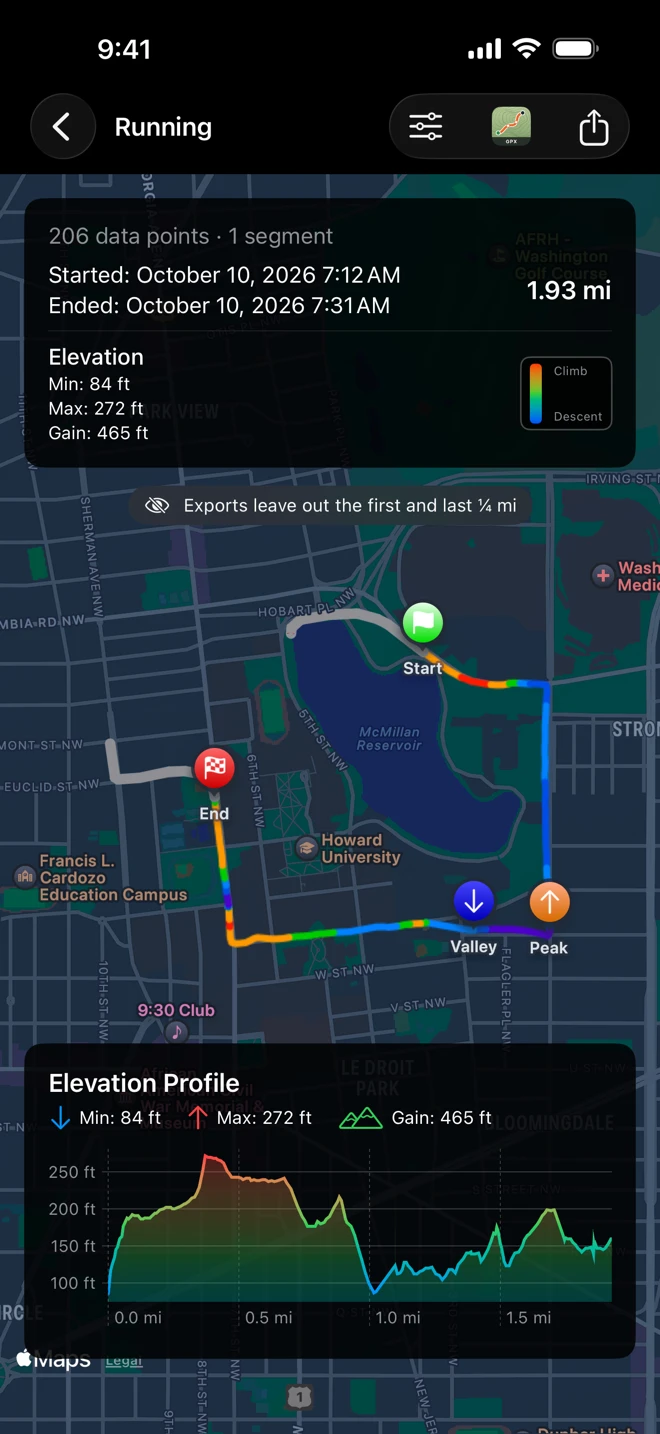
Section titled “How it measures”The distance is measured along the route, from the first point and back from the last, not as a circle around your home. WorkoutGPX drops the points in those stretches and keeps every other point exactly as it was recorded: nothing is moved, blurred or smoothed. A pause between two parts of a workout adds no distance.
What the map shows
Section titled “What the map shows”On a workout’s map the hidden stretches are drawn in gray, the Start and End flags move to where the file will begin and end, and a note under the route card says how much is left out: “Exports leave out the first and last ¼ mi”. The route card and the elevation profile still describe the whole workout.
A route shorter than the two ends together has nothing left to export. The note then reads “Too short to export with ¼ mi hidden at each end”, and exporting it says Nothing to Export: “The whole route is within the hidden start and end.” Choose a shorter distance for that workout, below.
For one workout
Section titled “For one workout”The view options menu (the sliders at the top right of a workout’s map) has its own Hide Start and End. It starts at the Settings choice and changes it for this workout while its screen is open: the gray stretches, the note and the files made from the Share and GPX Explore buttons all follow it. The next workout you open starts from Settings again.