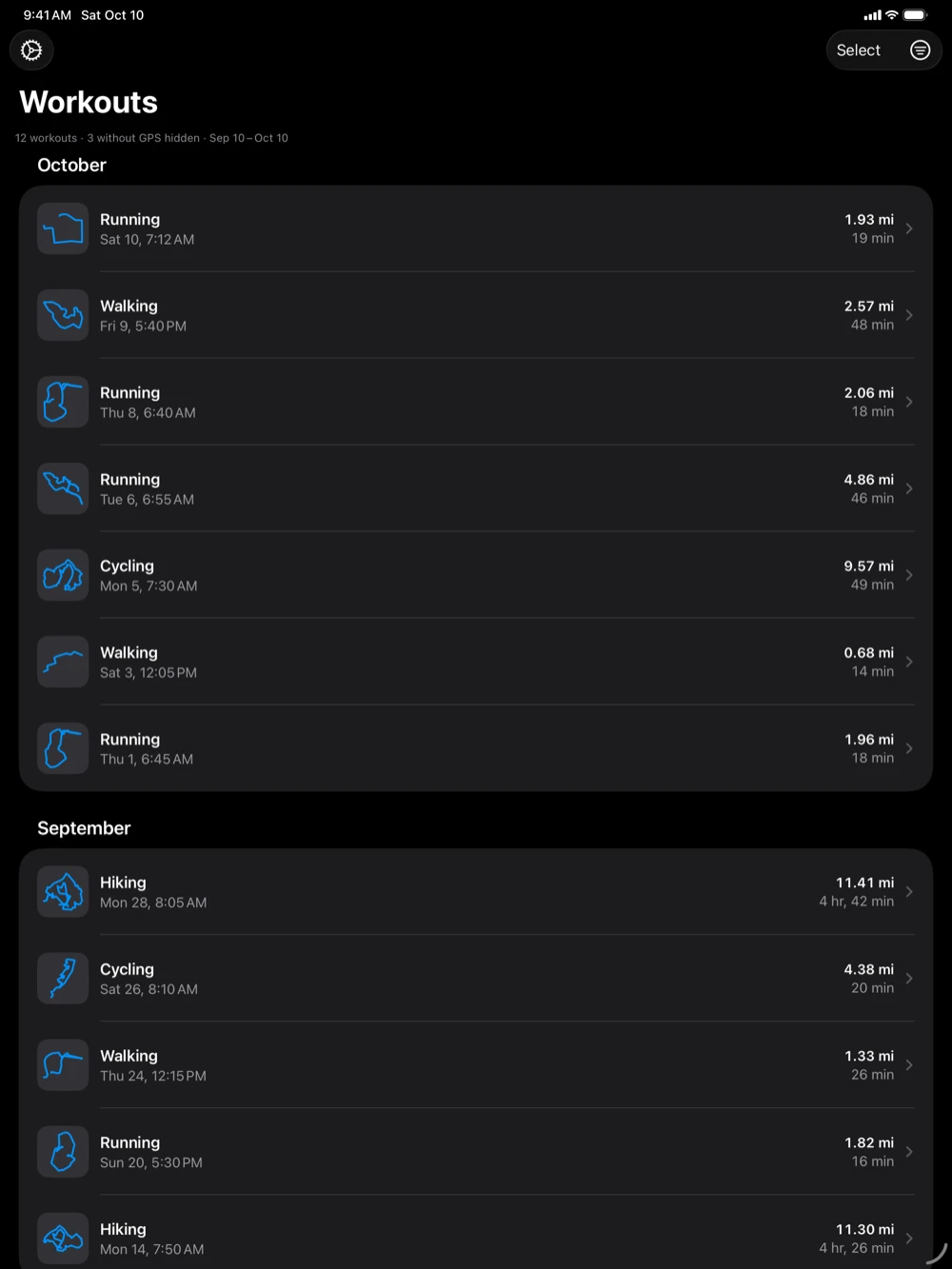
The Workouts list
The Workouts list is the first screen: every workout in the date range with a GPS route, newest first, in a section per month (“October”, or “October 2025” in another year).
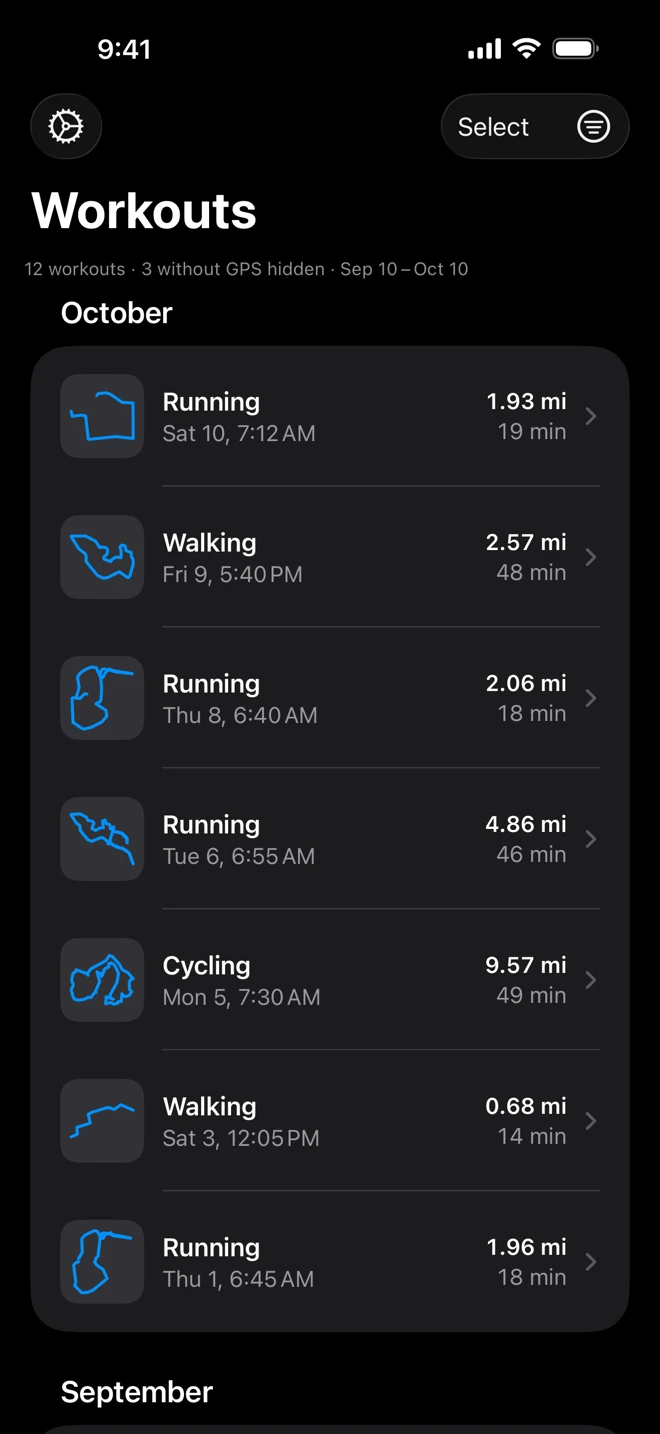
Each row has:
- The outline of the route, so a run or a ride can be recognized by its shape. The activity’s symbol stands in while the outline loads.
- The kind of workout (Running, Hiking, Cycling…) and its day and time: “Sat 10, 7:12 AM”. The month is in the section’s header.
- The distance and the duration, the duration to the nearest minute.
Tap a row to see the workout on the map: see The route viewer. Swipe it, or touch and hold it, to export it straight from the list: see Export workouts.
The line under the filters
Section titled “The line under the filters”The line above the list says what it shows: “12 workouts · Sep 9 – Oct 9”. When workouts without GPS are left out, it says how many: “12 workouts · 3 without GPS hidden · Sep 9 – Oct 9”. In Select mode it counts the selection instead: “3 of 12 selected”.
Workouts without GPS
Section titled “Workouts without GPS”Workouts with no route (indoor runs, strength training, yoga, pool swims) are left out of the list because there is nothing to export. Turn on Show workouts without GPS in the filters to see them: their rows are slimmer and gray, with a crossed-out location symbol, and they have no export buttons.
Up to date
Section titled “Up to date”The list reads Health again each time you come back to WorkoutGPX, so a workout that just finished on your Apple Watch appears once Health has it. Pull the list down to refresh it by hand.
The buttons
Section titled “The buttons”| Where | Button | What it does |
|---|---|---|
| Top left | Gear | Opens Settings. |
| Top right | Select | Ticks workouts to export many at once. |
| Top right | Filters (three lines in a circle) | Opens the filters; filled in while one is on. |
In Select mode the gear becomes Select All (or Deselect All), Select and the filter button give way to Done, and Export 3 Workouts appears at the bottom.
On iPad
Section titled “On iPad”The iPad shows the same list at full width, with the same buttons, swipes and menus. Its workouts are the ones in the iPad’s own Health app.