

Troubleshooting
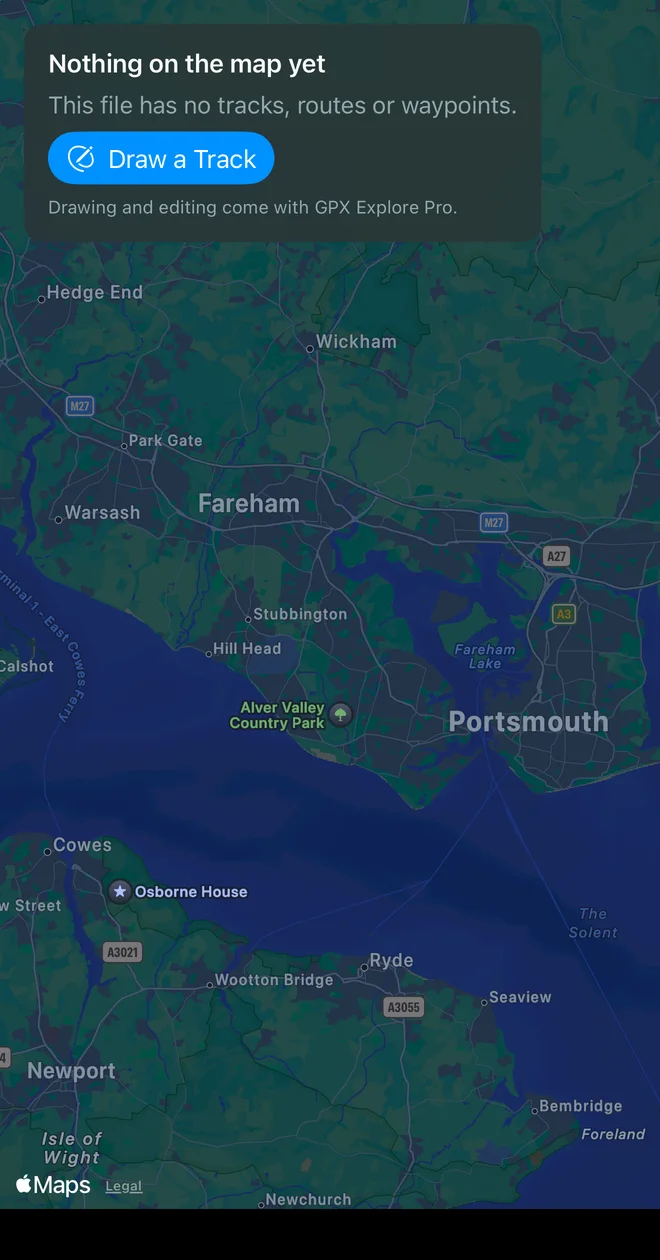
The file opens with “Nothing on the map yet”. The file has no tracks, routes or waypoints GPX Explore can read, or its points have no valid latitude and longitude. If it is a FIT, TCX or KML file renamed to .gpx, export real GPX from the app that made it. A file that is not valid XML opens read-only.
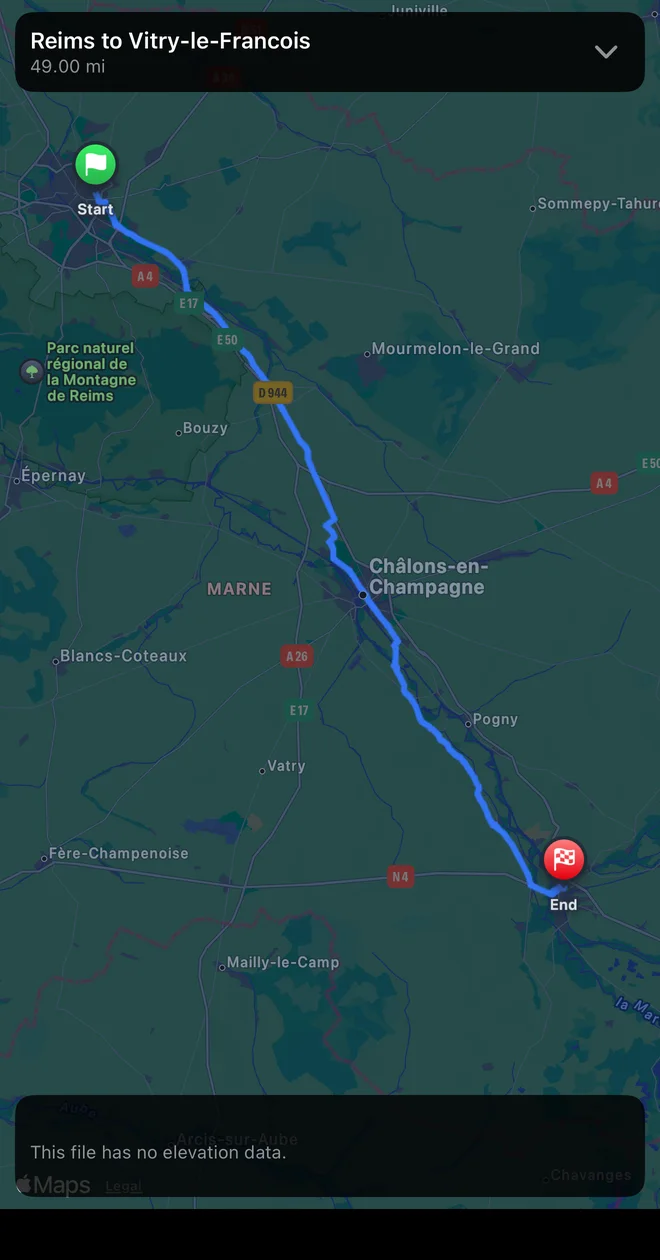
The chart says “This file has no elevation data.” The device recorded no altitude. With Pro, select the track and choose Add Elevation to fill it from the terrain model.
No moving time, pace or splits. The points have no times (planned routes never do). Distance and climb still show. With Pro, Plan Times… gives a planned track times at your pace.
The numbers differ from Strava or Garmin Connect. Each service filters GPS noise its own way and may correct elevation with its own data. See Accuracy.
Clicking Edit opens the purchase screen. Drawing and editing are GPX Explore Pro. If you bought it on another device, choose Restore Purchases there.
The Edit button is missing. The file could not be read as GPX, so it opens for viewing only.
I can’t see the points to drag. On a long track zoomed out, the dots are thinned; the edit bar says Zoom in to see every point of this track. Also check the track is selected: only the selected track shows its dots.
A click selects instead of adding a point. The Select and Move tool is on. Choose Draw (⌃⌘2 on the Mac). A double-click or double-tap always zooms instead.
The route went straight. Apple Maps had no route between the two points, or Straight Lines was chosen; the edit bar says which. Add a point in between on the path, or try Walking instead of Cycling. See Follow paths and roads.
Dragging a point did not re-route. Only the points of a route drawn with Walking, Cycling or Driving re-route, and only while one of those is chosen. Points of a recording, a freehand line or a file from another app move alone.
“No internet connection. Elevation for drawn points needs one.” Elevation for new points comes from our server. The points wait without elevation, and the next edit online tries again; or select the track and choose Add Elevation / Replace Elevation.
“The elevation server is busy” or “did not answer in time”. Try again in a moment.
The recording says “Location is off for GPX Explore”. Tap Settings in the banner and allow Location while using the app. Nothing is recorded until then. “Precise Location is off, so the track will be rough.” In the same place, turn on Precise Location.
“Nothing was recorded”. The recording ended before GPX Explore had found your location. Wait until Finding your location… has gone before you set off, outdoors with a view of the sky.
The climb shows a dash while recording. The iPhone has not yet given a height it can trust (within 8 m), which among tall buildings can take minutes. The climb appears with the first one. A recording that never gets one is saved without elevation; with Pro, Add Elevation fills it from the terrain model.
“Your track was not saved”. The iPhone could not write the file, usually because it is full. Free some space and tap Try Again; or tap Later, and GPX Explore saves it the next time it opens.
Where is my recording? In GPX Explore’s folder ▸ Recordings: On My iPhone ▸ GPX Explore in Files, or iCloud Drive ▸ GPX Explore. It is also in Recent Files on the start screen. See Record a track.
“The workout from WorkoutGPX is no longer there.” Open it from WorkoutGPX again.
Where is 3D on iPhone? At the bottom left of the map, above the chart, opposite Ride. It is hidden while you edit, and when no track is shown.
GPX files open in another app on the Mac. Right-click one, choose Get Info, pick GPX Explore under Open With and click Change All….
Quick Look shows the XML instead of the track. Quick Look previews need macOS 15.4 or later. Open GPX Explore once after installing it so macOS registers its preview.
Files show plain icons on iPhone or iPad. iOS picks up the icon extension of a newly installed app after a while; restarting the device makes it happen at once.
Still stuck? Write to us and attach the file if you can.